
Celebrate a breakthrough
Find a descriptive beat for the strike that opens a defence or changes the next choice. Choose how much extra mechanical weight your table wants.
Give the exceptional roll a moment
Turn a confirmed critical hit or fumble into a vivid scene. Review the narration, proposed effect and recovery, then make the ruling your table needs.
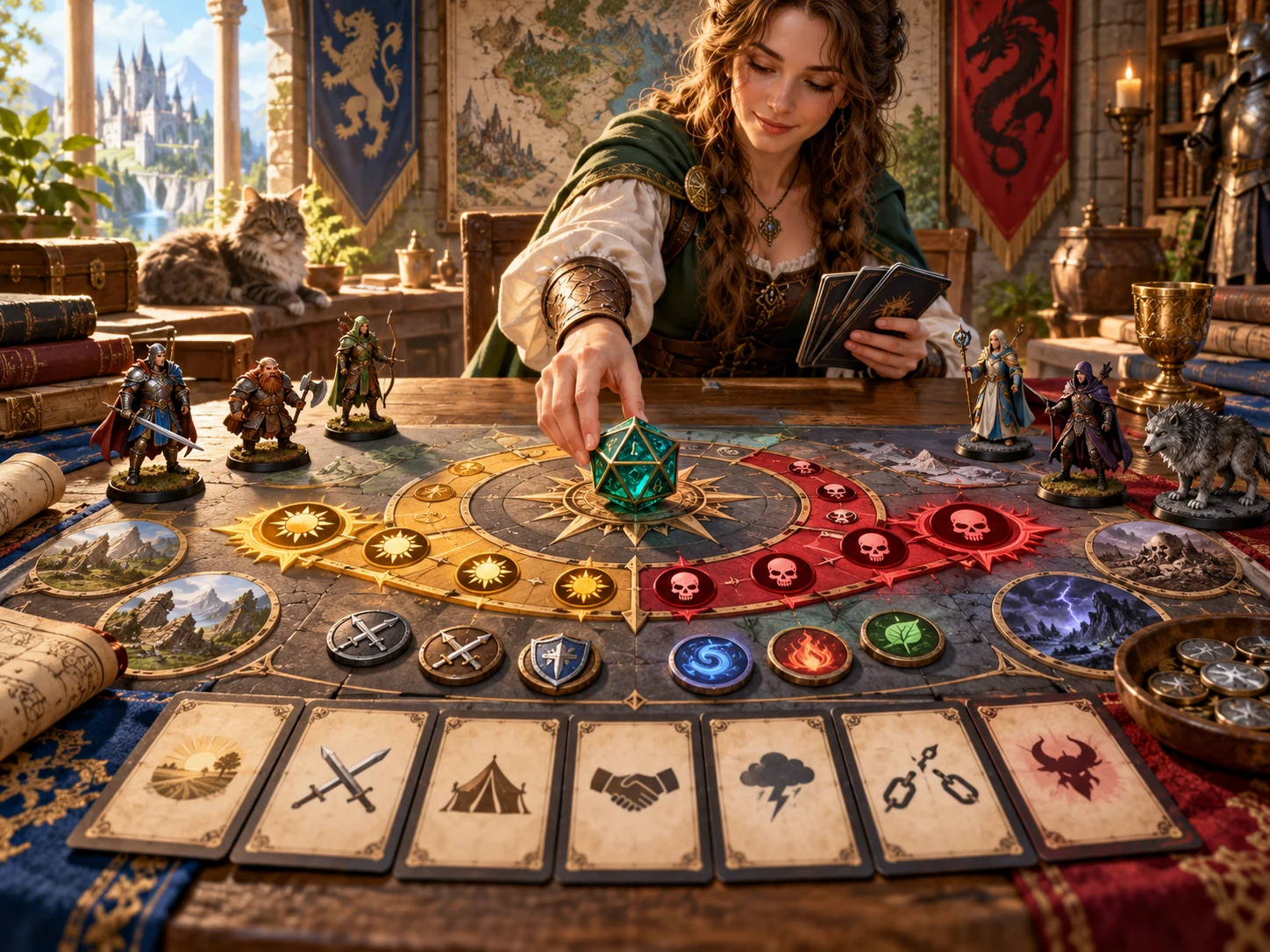
After the attack is resolved
Keep the resolved roll at your table. Choose a critical hit or fumble and review a proposed follow-on moment.
Find a descriptive beat for the strike that opens a defence or changes the next choice. Choose how much extra mechanical weight your table wants.
Use a fumble prompt to describe lost position, exposure or an equipment complication. Adapt its impact to the encounter and your group’s expectations.
Narration describes the moment. A separate effect suggests what to apply. Recovery offers a way for the complication to end, subject to your ruling.
The app does not roll an attack, calculate damage or change combat state. Read the full proposal before introducing additional effects.
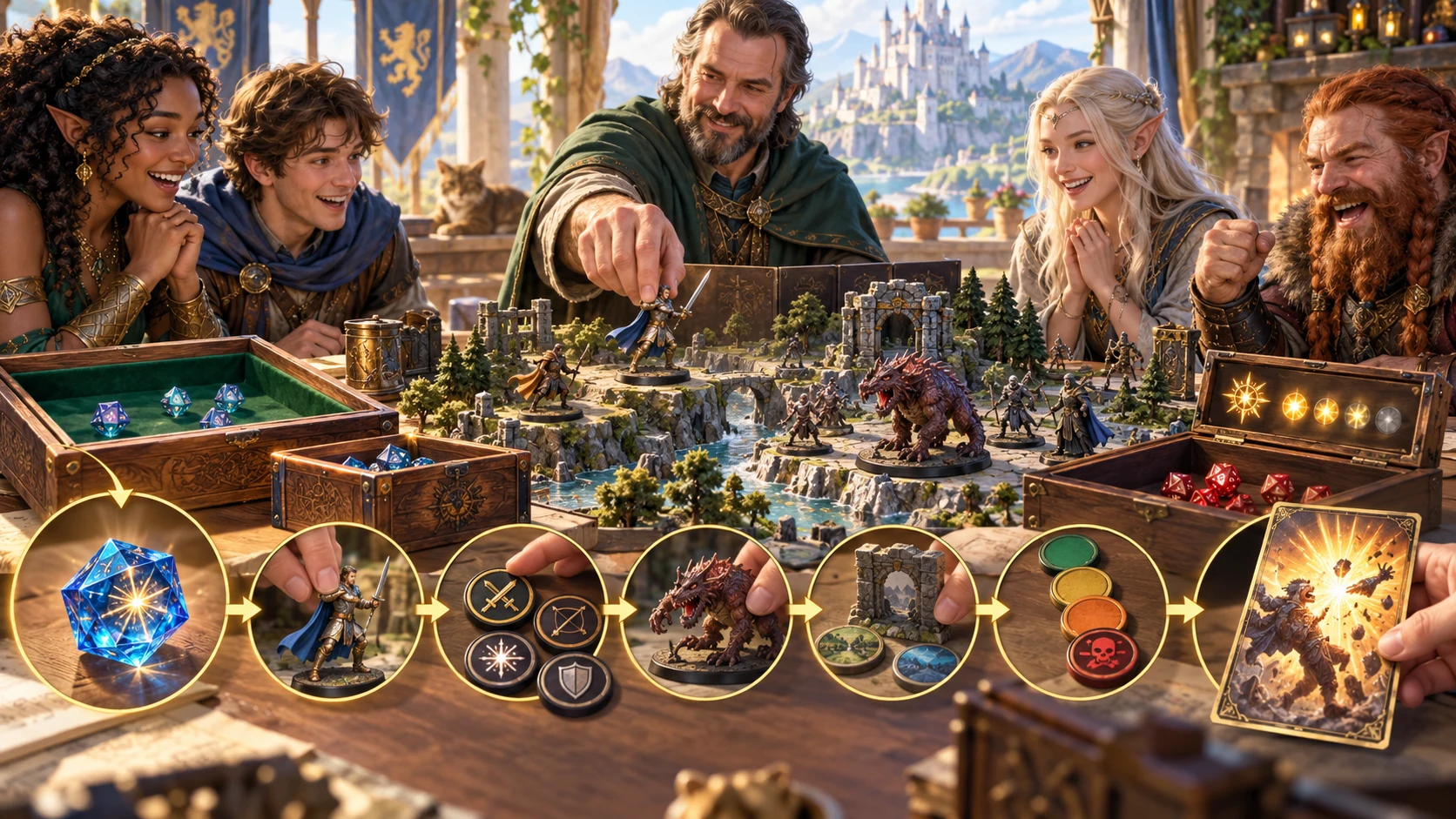
Prepare the moment
Choose the character and attack context, then decide the mechanical weight you want.
Review the result before reading it aloud. The artwork illustrates a tabletop workflow, not an application screen.
From a roll to a ruling
Critical and Fumble are explicit choices. There is no automatic detection of a natural 20 or natural 1.
Choose level, class and species. Level selects the narrative band; character selections fill relevant wording rather than calculating a character sheet.
Choose weapon and damage, then record attack mode, target type, environment and duration. Write a scene to replace the generic environment line.
Set severity and the outcome filter. Roll Critical or Fumble, then read the narration, mechanics and recovery together. Resolve missing save details or incompatible timing at your table.
Save the current result on this device. Open it later in Saved. Keep campaign notes separately for what your table accepted and actually applied.
What the tool provides
Eight focused capabilities help you review an exceptional roll without making the rules decision for you.
Choose the outcome your table has already confirmed. Critical and fumble rolls draw from separate authored narrative pools.
Select level 1 to 20: Heroic at 1–4, Champion at 5–10, Legend at 11–16 and Mythic at 17–20. These bands select the narration pool.
Choose class, species, weapon and damage type to fill relevant wording. These selections personalise text; they do not read a character sheet or calculate attack statistics.
Choose Narrative only, Light, Standard or Severe. Read the proposed effect separately from the described moment and decide what fits your table.
The default filter removes entries containing specified lethal or lasting-outcome phrases. Unfiltered outcomes remain an explicit choice and need careful review.
Record attack mode, target type, environment and duration. A written scene replaces the generic environment sentence in the narration.
Keep the current narrative while rolling a new effect, or retain the mechanics and recovery while refreshing narration. Compare recent narratives below the current result.
Save useful result snapshots, reopen them in Saved and delete unwanted records. Saving is separate from the temporary recent-roll list.
Level and mechanical weight
Four level bands select authored critical or fumble narration. Severity normally selects its own fixed effect table.
Heroic covers levels 1–4; Champion covers 5–10. Character and attack terms personalise applicable phrases, while the underlying material remains authored.
Legend covers levels 11–16; Mythic covers 17–20. Higher bands can describe dramatic and destructive events. Review their meaning even with a filtered pool.
Narrative only adds no separate mechanical effect. Light and Standard draw from distinct effect tables. Narration may still contain numbers or mechanical wording, so decide what you intend to apply.
Severe normally uses its own effect table. With Unfiltered selected, it returns the full original tier outcome as mechanics. This combination can propose lethal or permanent consequences; review before use.
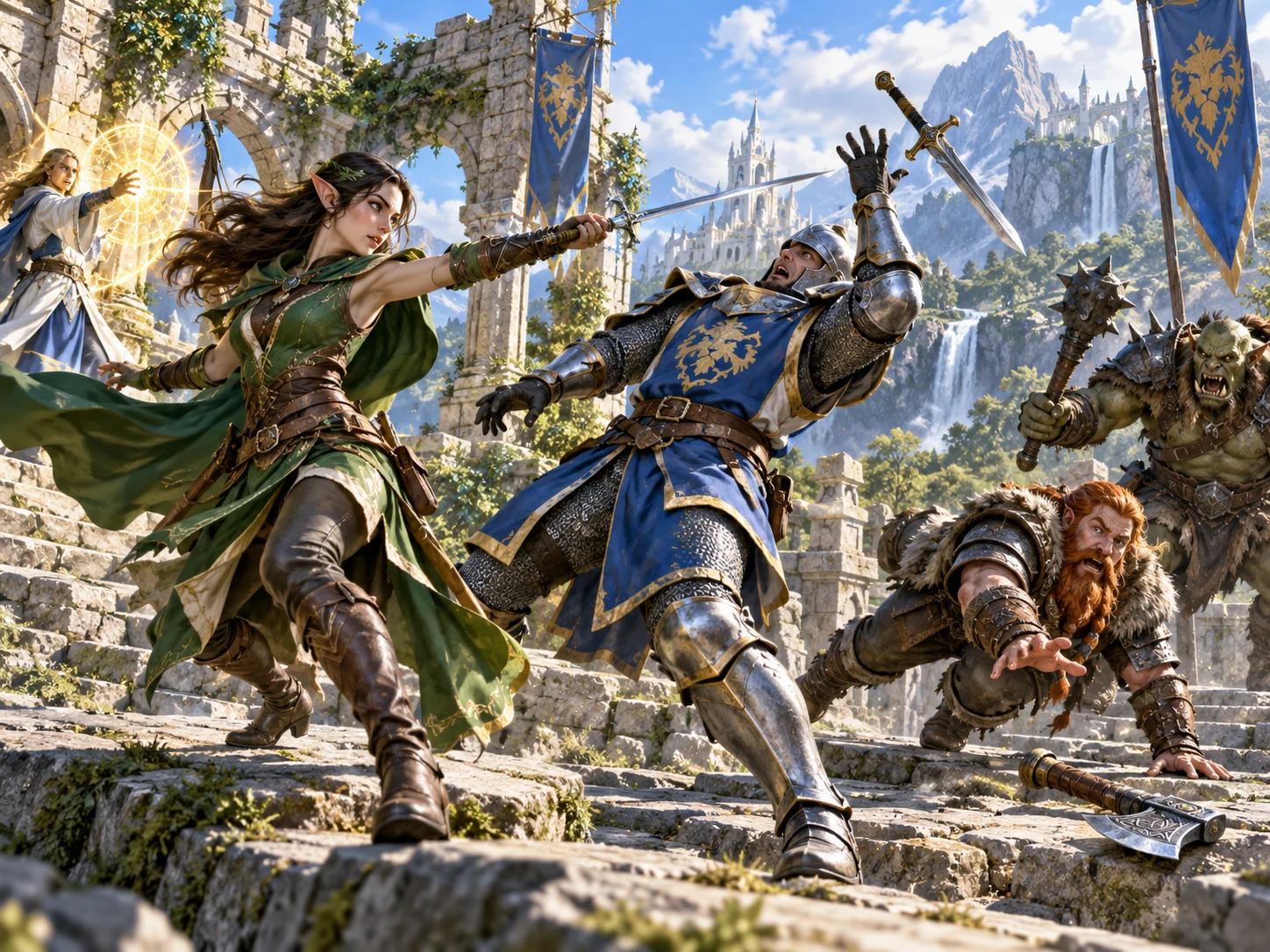
A moment the table can picture
Read the narrated moment alongside the proposed mechanical effect and recovery.
Apply only the outcome your DM accepts. This illustration shows a fantasy combat scene, not generated application output.
Keep one part and reconsider another
A new roll refreshes authored selections. It can repeat material; there is no promise of a unique next outcome.
Retain the current narrative verbatim while drawing new mechanics and recovery. Changed scene or character details do not rewrite that held text.
Retain both fields while drawing new narration. Other displayed context still follows the new form, so check that the retained effect fits.
Locks do not check compatibility with a changed Critical/Fumble choice, context or safety setting. Clear the lock and roll again when those choices change.
Recovery is selected separately from the effect. Resolve whether help, a save, treatment or another route actually fits the outcome and your rules. The duration label does not rewrite embedded effect timing.
Understand the filter and local records
The controls support judgement; they do not guarantee a safe or balanced ruling.
Safe and Dangerous currently apply the same phrase filter to the narrative pool. It cannot assess every harmful implication or text you add. If filtering empties a pool, the app uses the full pool and displays a fallback notice.
Compare recent narratives below the current result. This temporary list ends when the app closes. It is separate from your saved records and does not provide a persistent campaign history.
Each Save creates a separate result on this Windows device. Open displays a snapshot without restoring the setup controls. Saved offers open and delete, with no account synchronisation, autosave, search, tagging or version history.
There are no copy, export, print or import controls in the current app. There is no direct Combat PRO transfer. Review narration, mechanics and recovery before applying changes manually.
Choose access for your toolkit
Critical Hit / Fumble Generator is a paid standalone tool. Create a free account first, then review your selection and subscription.
Select Critical Hit / Fumble Generator individually. Creating a free account does not by itself include paid generator access.
Choose a five-generator pack for other eligible standalone tools alongside this one. It provides selection capacity, not automatic access to every VISINVOKE product.
Review larger selected-generator packs in your account. Check the actual generators, subscription and reselection terms before choosing your toolkit.
Combat PRO, Battlemaps and image systems have their own access models. Standalone generator subscriptions do not include image or animation credits.

Start from an authored moment when you need an exceptional roll to feel distinct.
Keep narration and proposed effects in view, then decide what fits your game.
Start Here and How Do I help cover context, severity, filtering, locks and local saves.
Review and adapt proposed effects rather than treating them as official rules or balance guarantees.
Build your tabletop toolkit
Each card opens that product’s own website. Review purpose and access separately; related products do not promise included access or automatic synchronisation.

Discover and open your supported Windows products through one connected VISINVOKE account.

Explore environment packs for tactical locations and the places your encounters unfold.
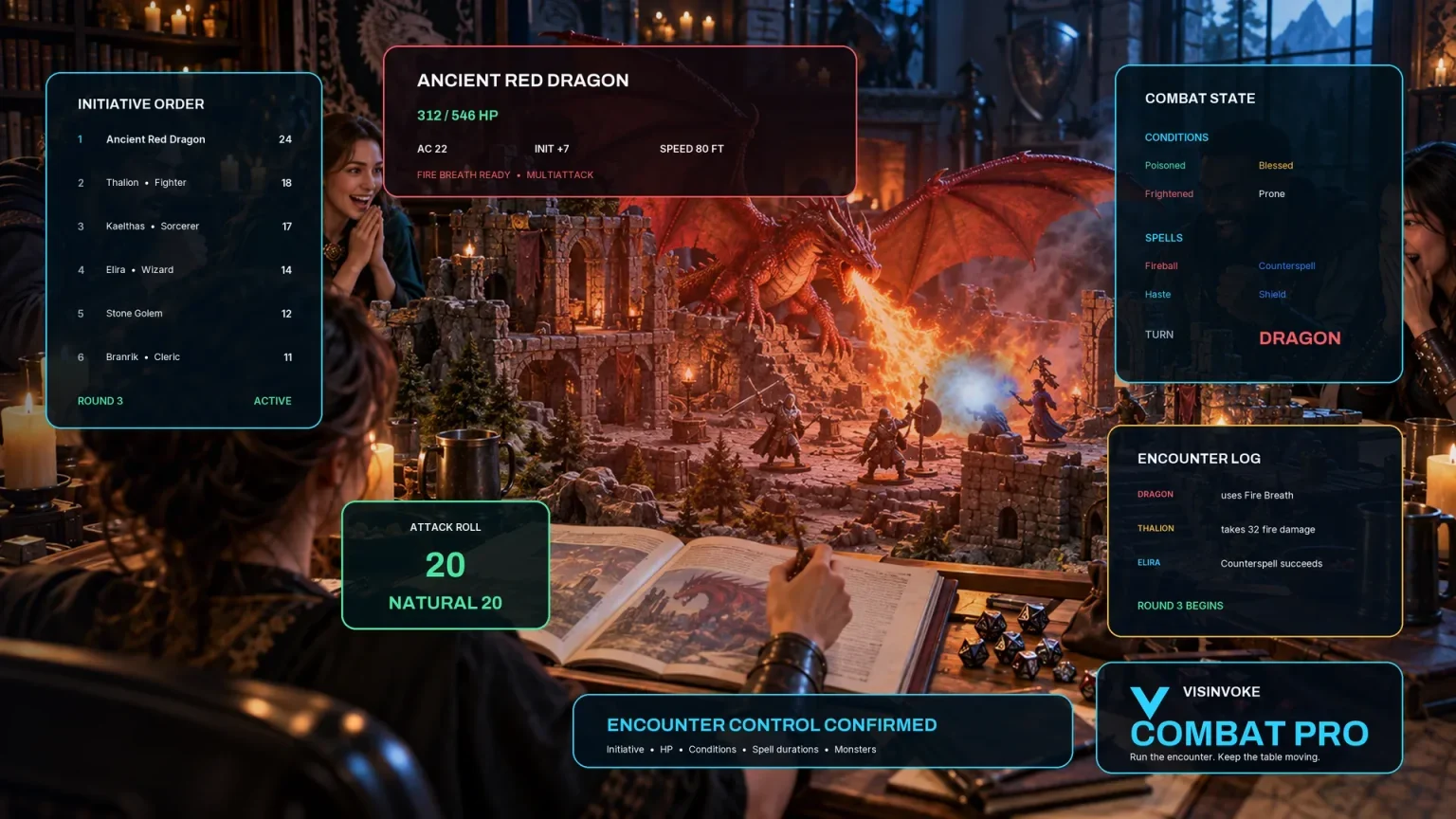
Review prepared opposition, tune creature statistics and run tabletop encounters with its own access.

Create focused character, monster, item and location images to complement your tabletop preparation.

Create guided commercial visuals for websites, brochures and wider creative projects.

Explore a separate futuristic RPG experience with its own world, characters and progression.
Product artwork illustrates tabletop choices and combat scenes, not application screens or actual generated image output.
Quick answers
Understand the proposed effects, filter limits and saved snapshots before opening the tool.
No. Resolve the attack at your table, then choose Critical or Fumble. The generator proposes narration, a mechanical effect and recovery guidance. It does not import a dice result, calculate damage or apply changes to Combat PRO.
Level selects one of four narrative bands. Class, species, weapon and damage fill relevant wording. Attack mode, target type and duration describe the moment; they do not select specialised effect tables or rewrite an effect’s embedded timing. Light, Standard and Severe normally draw from their own fixed effect tables. Unfiltered plus Severe instead returns the full original tier outcome as mechanics.
No. Safe and Dangerous currently apply the same fixed phrase filter to the narrative pool. The filter cannot assess every harmful implication, your added text or a previously locked result. An empty filtered pool uses the full pool and reports that fallback. Review the whole outcome against your group’s limits, especially when using Unfiltered with Severe.
Keep narrative retains the current narrative verbatim. Keep mechanics retains both the mechanical effect and recovery. Other result information follows the new form. Locks do not check compatibility with a new Critical/Fumble choice, context or safety setting. Clear the lock and roll again when those choices change. A reroll can repeat material.
Recent rolls are temporary: eight previous narratives appear below the current result, and the list ends when the app closes. Manual saves create separate result snapshots on this Windows device. Open displays a snapshot without restoring the setup controls or recent-roll list. There is no account synchronisation, autosave, version history, search or tagging.
The current app provides save, open and delete rather than copy, download, print or import controls. Read and adapt the result at your table. Its proposed effects and independently selected recovery routes need DM interpretation; they are not official rules, balance guarantees or automatic combat changes. Narrative only adds no separate effect, but narration may still contain numbers or mechanical wording.
Continue in VISINVOKE
Create a free VISINVOKE account and choose the required generator access.
Get Desktop Command Centre from your account installer page. Sign in on Windows, then open Critical Hit / Fumble Generator.